
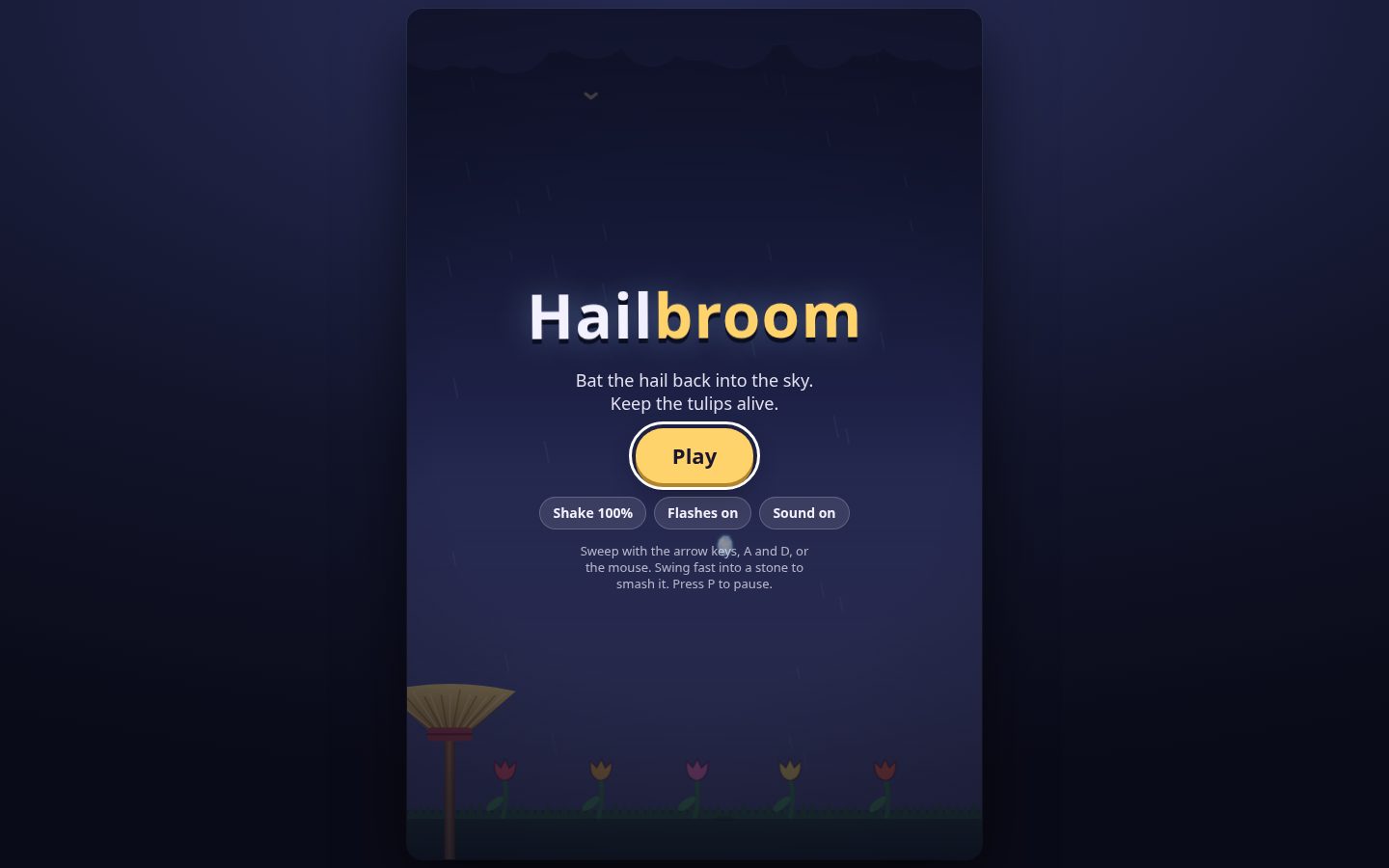

Game feel (juice)
Feedback sells an action: several small, brief, exaggerated responses fired together on one event. This skill adds that layer on top of a working mechanic. It never changes the simulation, so shake moves the camera and hit-stop scales time; neither moves bodies or stalls gameplay logic.
When to use
- A hit, jump, landing, dash, pickup, death or button press works but feels weak.
- Adding or tuning shake, hit-stop, easing, squash and stretch, flash, knockback, number pops.
- Deciding how much juice is enough, and adding reduce-shake and reduce-flash options.
Not this skill: jump controller math (platformer), generic input buffering and rebinding
(input-systems), camera follow, deadzones and look-ahead (camera-systems, which exposes the
offset this skill writes), mixing and ducking (audio-design), shader dissolves
(shader-programming), tween and particle node APIs (godot-animation, unity-animation).
Workflow
- Find the event hooks. Juice attaches to discrete events (
hit,landed,picked_up,died). If the mechanic emits none, add signals or C# events first; never poll for them. - Assign each event a tier (table below), then fire that tier's bundle from one
feedback(tier, pos)call so the whole game stays proportional. - Start with 2-3 channels per event (sound, particles, shake), play, and add channels until the event reads. Hit-stop and shake are the strongest and most abused; keep them for impacts.
- Ease everything that moves. Overshoot (
back) for pops, ease-out for settling, ease-in only for anticipation. - Decide what runs during hit-stop. Time scale slows timers, tweens and
_process/Updatedelta. Shake decay and UI tweens should usually use real time; the frozen pose should not. - Ship accessibility toggles: shake strength 0-100 %, reduce flashing, reduce camera motion.
- Verify with a headless check, then by eye. Fire the event twice 30 ms apart and assert
time scale is back to 1.0 after the longer stop, trauma reaches 0 within
1 / decayseconds, and every scale tween ends at exactly its rest value. Then ask the user to play it and report whether the hit reads, whether anything feels nauseating and whether input still registers during the freeze.
Tiers
| Tier | Trauma | Hit-stop | Particles | Extra | Example events |
|---|---|---|---|---|---|
| small | 0.10-0.20 | none | 0-4 | tick SFX | footstep, coin, UI hover |
| medium | 0.30-0.50 | 0.04-0.06 s | 6-12 | flash | normal hit, landing, pickup |
| large | 0.70-1.00 | 0.10-0.15 s | 20-40 | flash, zoom, number | crit, boss hit, death, explosion |
Patterns
1. Screen shake from decaying trauma
# Godot 4.7 Camera2D script. Shake = trauma^2, so light hits barely move and heavy hits punch.
# Writes the camera OFFSET (visual only). Uses real time so the shake keeps decaying during
# hit-stop instead of freezing the camera off-centre.
# Camera2D.ignore_rotation defaults to true; set it false or the roll does nothing.
extends Camera2D
@export var decay := 1.2          # trauma lost per real second
@export var max_offset := Vector2(12, 8)
@export var max_roll := 0.1       # radians
@export var strength := 1.0       # player setting, 0..1
var trauma := 0.0
var _t := 0.0

func add_trauma(amount: float) -> void:
    trauma = clampf(trauma + amount, 0.0, 1.0)   # hits add; they don't reset

func _process(dt: float) -> void:
    if trauma <= 0.0:
        return
    var real_dt := dt / maxf(Engine.time_scale, 0.0001)
    trauma = maxf(trauma - decay * real_dt, 0.0)
    var shake := trauma * trauma * strength
    _t += real_dt * 30.0
    # Summed sines at unrelated rates: smooth, never a per-frame random buzz.
    offset = Vector2(max_offset.x * shake * sin(_t * 1.7), max_offset.y * shake * sin(_t * 2.3))
    rotation = max_roll * shake * sin(_t * 1.1)
    if trauma == 0.0:
        offset = Vector2.ZERO
        rotation = 0.0
Unity: drive CinemachineBasicMultiChannelPerlin AmplitudeGain/FrequencyGain from
trauma * trauma, decaying with Time.unscaledDeltaTime; for one-off hits use a
CinemachineImpulseSource on the hitter and a CinemachineImpulseListener on the camera.
2. Hit-stop that survives overlapping hits
# Godot 4.7. Slow time, restore after a REAL-TIME delay; only the newest call restores.
var _hit_stop_id := 0

func hit_stop(duration := 0.08, slow := 0.05) -> void:
    _hit_stop_id += 1
    var my_id := _hit_stop_id
    Engine.time_scale = slow
    # 4th arg ignore_time_scale=true: the timer still fires while the game is slowed.
    await get_tree().create_timer(duration, true, false, true).timeout
    if my_id == _hit_stop_id:       # a newer hit-stop owns the restore
        Engine.time_scale = 1.0
// Unity. WaitForSecondsRealtime ignores Time.timeScale; WaitForSeconds never finishes at 0.
int _hitStopId;
IEnumerator HitStop(float duration = 0.08f, float slow = 0.05f) {
int myId = ++_hitStopId;
Time.timeScale = slow;
yield return new WaitForSecondsRealtime(duration);
if (myId == _hitStopId) Time.timeScale = 1f;
}3. Squash, stretch and overshoot
# Godot 4.7. Keep area roughly constant: stretch one axis, squash the other, spring back.
func pop(node: Node2D) -> void:
    node.scale = Vector2(1.3, 0.7)
    var tw := node.create_tween()
    tw.tween_property(node, "scale", Vector2.ONE, 0.18) \
      .set_trans(Tween.TRANS_BACK).set_ease(Tween.EASE_OUT)   # overshoots past 1, settles
Kill or reuse the previous tween on the same property (if _tw: _tw.kill()) when the event can
retrigger, or two tweens fight and the node ends at the wrong scale.
Gotchas
- Shaking the body instead of the camera desyncs collision and aim. Shake the camera offset or a visual-only pivot.
- Random offset every frame buzzes like static. Use noise or summed sines under a decaying trauma value.
- Hit-stop never ends: Unity
WaitForSecondsor a Godot timer withoutignore_time_scaledoes not advance at time scale 0, and barely at 0.05. Wait in real time. - Overlapping hit-stops (two hits 30 ms apart) let the first timer restore time during the second freeze. Only the newest call restores.
- Shake freezes off-centre during hit-stop when it decays with scaled delta. Decay with real
time (Godot
dt / Engine.time_scale, UnityTime.unscaledDeltaTime). - UI and menu tweens crawl during hit-stop. Godot
Tween.set_ignore_time_scale(true); Unity coroutines withTime.unscaledDeltaTime. - Time scale does not slow audio in Godot or Unity, so a long freeze plays the impact sound
over a frozen picture. Keep stops short or lower
AudioServer.playback_speed_scaletoo. - Hit-stop on every frame of a held or multi-hit attack locks the game. One per impact, and skip it on hits that land during an active stop.
- Juice that never returns to rest (scale drift, shake that does not decay) stops reading as feedback. Snap to the rest value at the end of every effect.
- Over-juicing routine actions causes nausea and hides real impacts. Footsteps get the small tier or nothing.
- Feedback that blocks input. Long freezes and uncancellable animations feel like lag; keep freezes under about 0.15 s and buffer input through them.
- Flashing past the photosensitivity limit. Large bright flashes must stay at or under three per second (WCAG 2.3.1), and a reduce-flashing option should replace them with a tint.
References
references/feedback-recipes.md: read when you need the easing cheat sheet, an eased pop for Unity without a tween package, flash, knockback, number-pop and particle recipes, or the per-engine binding summary (Godot, Unity, Phaser).
Related skills
camera-systems: owns follow and framing; this skill only writes the shake offset.godot-animation,unity-animation: the tween, AnimationPlayer and particle APIs.audio-design: the sound layer of each feedback bundle.physics-tuning: knockback forces and a stable timestep.platformer: jump feel controls that juice sits on top of.
Version notes
Last verified: 2026-11-11.
- Godot 4.7:
SceneTree.create_timer(time_sec, process_always, process_in_physics, ignore_time_scale),Tween.set_ignore_time_scale(),Camera2D.ignore_rotation(defaulttrue);Engine.time_scalescales_process/_physics_processdelta,TimerandSceneTreeTimerbut not audio (https://docs.godotengine.org/en/4.7/classes/class_engine.html). - Unity 6.3 LTS with Cinemachine 3.1 (3.1.7 is the latest release, June 2026):
CinemachineBasicMultiChannelPerlin,CinemachineImpulseSource,CinemachineImpulseListener(https://packages.unity.com/com.unity.cinemachine). - WCAG 2.2 success criterion 2.3.1, three flashes or below threshold (https://www.w3.org/WAI/WCAG22/Understanding/three-flashes-or-below-threshold.html).
- Trauma-based shake follows Squirrel Eiserloh's GDC 2016 talk "Math for Game Programmers: Juicing Your Cameras With Math".